Welcome!

Welcome and thanks for stopping by.
My reference links will open in a new tab.

If you have any corrections, suggestions, comments please use the Comments at the end of the post.
I do respond to all comments. - Thanks!
Showing posts with label Open Live Writer. Show all posts

August 23, 2020

A Return to Palomar Mountain

Although past its peak the Persied Meteor Shower still makes a nightly appearance in the mid-August night.  Knowing there would be a moonless night sky we made our plans for a few nights of camping.

The east grade road is the easiest approach for the RV although that route adds almost 20 miles to the trip.

The viewpoint offers a nice break overlooking Lake Henshaw and the surrounding valley and distant hills.

.
.

As with our previous trips we again reserved site #40 at Observatory Campground.  The site is reasonably level, has its own telescope pad and long enough the kids could join us for a quick overnight.
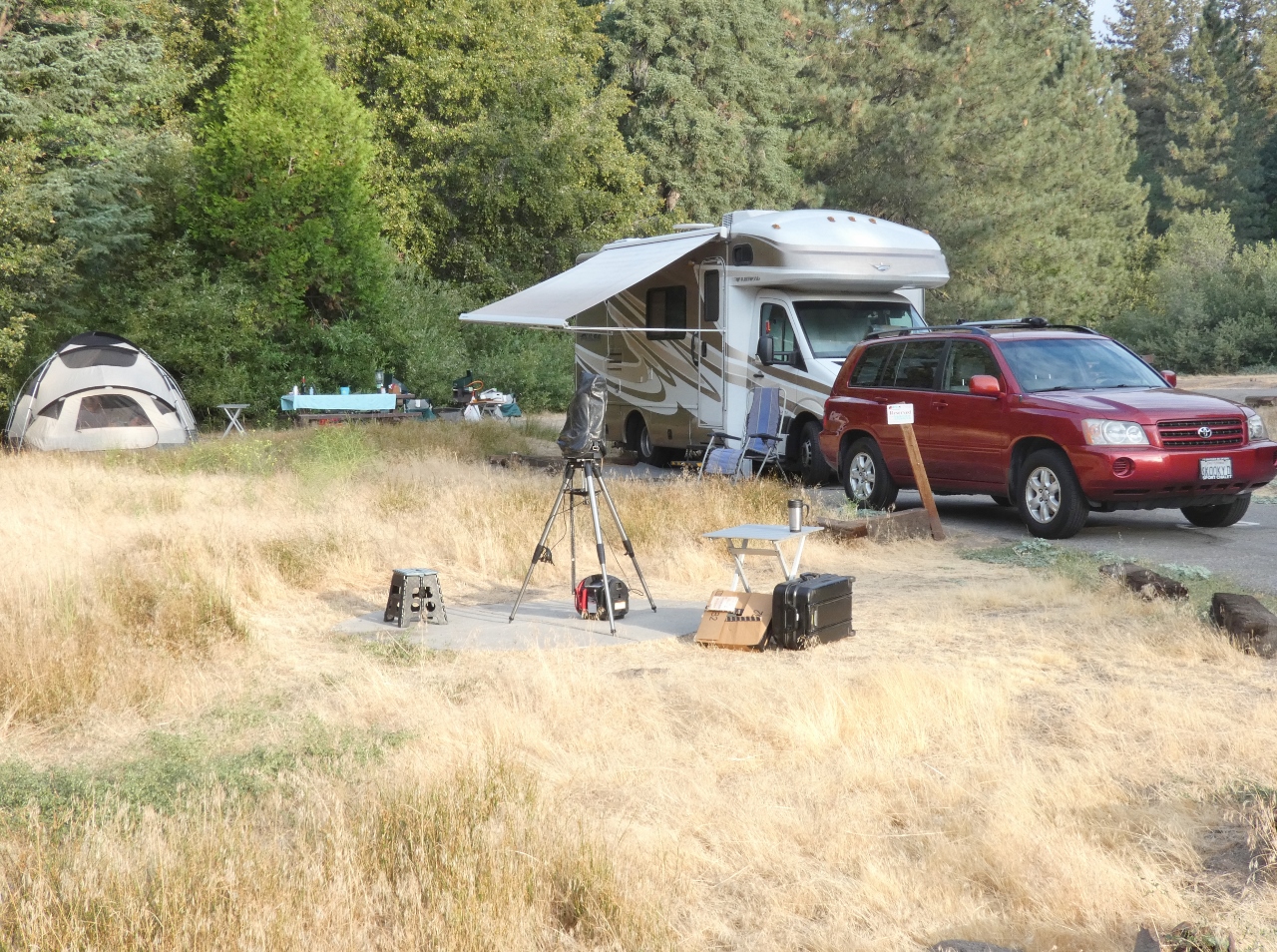

After setting up camp we took some time to walk around the campground.  Aj found a fun little log swing we all took a turn on.


Across the foot bridge are two walk in campsites.


a cut oak trunk looks to be a perfect axe throwing target.  Kg took a picture of the rings, so we could get an idea of the age of this old oak.


There are several of these majestic oak trees in the campground, perhaps a few more will have to be removed as they are suffering with our continued drought.

.

We had a couple daily visitors that made for a little fun.  One standing guard

while the other enjoyed lunch.

The kids had to leave early to return home.  School is starting for the girls.

When I camped here last November it was 24F, this time Fran noticed it’s predicted to be 106F.  HOT!


In the shade of our awning it easily passed 106, topping out just below 110F.  The old Coleman roof air struggled at keeping us comfy below 88 inside.

Our final morning we wandered up the Observatory Trail a bit over a half mile to the overlook.  This is the closest place with a cell signal, and we wanted to check in with the kids. 


The observatory, visitor center and gift shop remain covid-closed, but I was able to visit last November - those pictures are HERE. 

None of my night pictures turned out, just blackness.  But we did enjoy some special views of Jupiter and Saturn.  I saw a few meteors, but the Milky Way didn't develop as crisp as I hoped.  There was some high haze in the air.  California is having a nasty fire season with 560 separate fires active as I type this, a few of which contributed to the haze.

All of the BayfieldBunch has reported issues with the the new Blogger interface.  ARG!  For this post I composed the text in OLW, but I had to use Blogger's 'insert image' -> 'upload from computer' options to place the images directly into the blog.  I then cut'n'pasted the HTML source code back into OLW to size the images to fit within the margins of the blog and then reposted.  Awkward, slow and must be online the entire compose/edit session.  Pretty Lame!

I certainly miss Open Live Writer, when the entire post could be composed offline and then uploaded with images!  Ah those were the days ...

Continue to Stay Safe! 

February 13, 2019

UPDATES - OLW Error 400 Bad Request and Google+

A couple years ago the Error 400 Bad Request was common problem.  My blog then HERE was a workaround for this error.   But it did not resolve the root cause. 

Well it’s back!  The root cause is now confirmed – The Application Program Interface (API) used by Open Live Writer requires access to the Picasa calls.  Picasa has been deprecated for several years, but OLW has not kept up.

The basic error is that OLW cannot post to Blogger any graphic since OLW uses the Picasa API to post. 

I found a workaround that works, for me, in my blog HERE.  By using links to photos already on the web, OLW works fine.  The links are HTML text, not graphics, and avoid the Picasa API altogether.

The remaining gotchya is the demise of Google+, I mentioned how it effects me in my blog HERE.  In that blog I mentioned that I requested a download of all the data Google has targeted for deletion. 

I made the request on Feb 2 and received the data on Feb 9, ‘19.  A full week and a few hours after the initial request. I used this LINK to request a download my Google+ data.  And received this email on the 9th with a link for the download

I was OK with the loss of ‘My Circles’, ‘My Profile’, etc.

But the loss of Google+ comments was a biggie!, HUGE!

My blog philosophy required and still requires threaded comments and the ability to reply to each individual  comment.  I believe the comments are interactive, if a reader takes the time to leave a comment I’ll take the time to respond.

Here's what I did to resolve this issue.  Before I tried a different templates or comments plugin I made a backup of my current Theme, including Template and Layout.  This was to preserve as much of the existing blog contents as possible:

Today I have a way that works for my template to not only thread comments, but also reply to comments individually.  And all this without a new template.  Older templates may require a bit more tweaking, but it can be done.

 My comments were set to Blogger default of ' Full Page' and looked like this, with inline comments:
For my case in Blogger Settings –> Posts, comments and sharing, I selected Embedded:

Next in Blogger Settings –> Other I selected Allow Blog Feed and set all entries to Full:

With that minor change my comments are again threaded and very similar the the old Google+ comments I had been using.  With this minor tweak my comments and replies now look like this:


Unfortunately Google is not providing a means to place comments back on the blog in the post where they belong.  They were included in the archive that Google provided, I do have them, just not where they would be most useful.

At lest now I have a means of maintaining the blog.  However it s more work, and more importantly more bandwidth!

It has taken a few days to test this out and today it was a nice rainy afternoon to sit inside and  write up this post. 

Next I either have to figure out thumbnail photos, or simply use full width graphics as many others do.  The graphics above do not enlarge when they a selected.  Another gotchya of OLW and the old Picasa settings.

Again there were No Bad Days, and I trust your day was good too.

If you have any additional suggestions please leave a comment, I can now reply!

March 13, 2017

Open Live Writer – Error 400 Bad Request

400 Bad Request
ARG – Just as I was having pretty good luck with OLW too.  Yes I know the Blogger publisher is a feature rich tool, which I used on the last blog.  However, it has an irritating feature and an unusable restriction.

Irritating in that I like small thumbnail photos on the blog, side-by-side.  Click a photo if you’re interested to see a larger version.  I could get by with centered photos, larger photos like many folks do.

However, I cannot use a tool that requires an online (aka bandwith usage) presence!  Drafts and edits should be and really need to be done offline.  Then posted as drafts, for final edits

I find my solution is the same as those who reported the 501 error and perhaps other errors.  As reported to TravelWithTheBayfieldBunch by Sherry from InTheDirectionOfOurDreams the workaround is simple – but it is a workaround!
Go to Google Photos
Create a new album; insert a single photo
Name it: Open Live Writer
Viola! Every thing works perfectly
WTH??? hope this helps others.
BTW my release of OLW is current at 0.6.0.0
image